

This is usually one setting rather than a bug.
Hide unassigned images
Go to Swatchfy → Settings → Image visibility on the storefront and turn on Hide unassigned images.
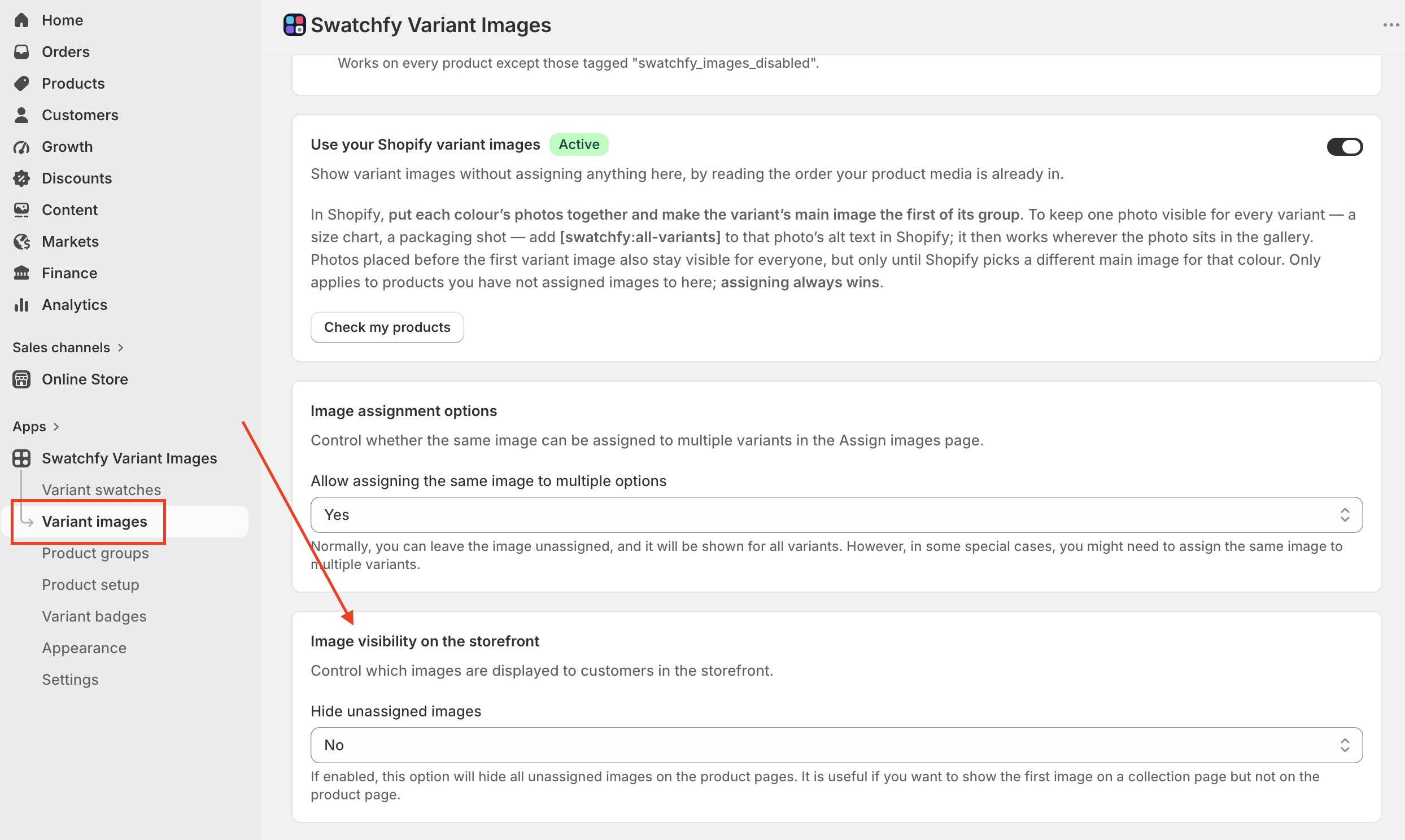
With it off — which is the behaviour some stores want — any photo you did not assign to an option value stays visible for every variant. Turning it on hides those photos from the product page gallery, so shoppers see only the photos for the variant they selected.
It is worth knowing why the setting exists: an unassigned first image is often deliberate. It is what a collection page shows as the product's main photo, and some merchants want it there but not in the product gallery.
Keeping one photo visible on purpose
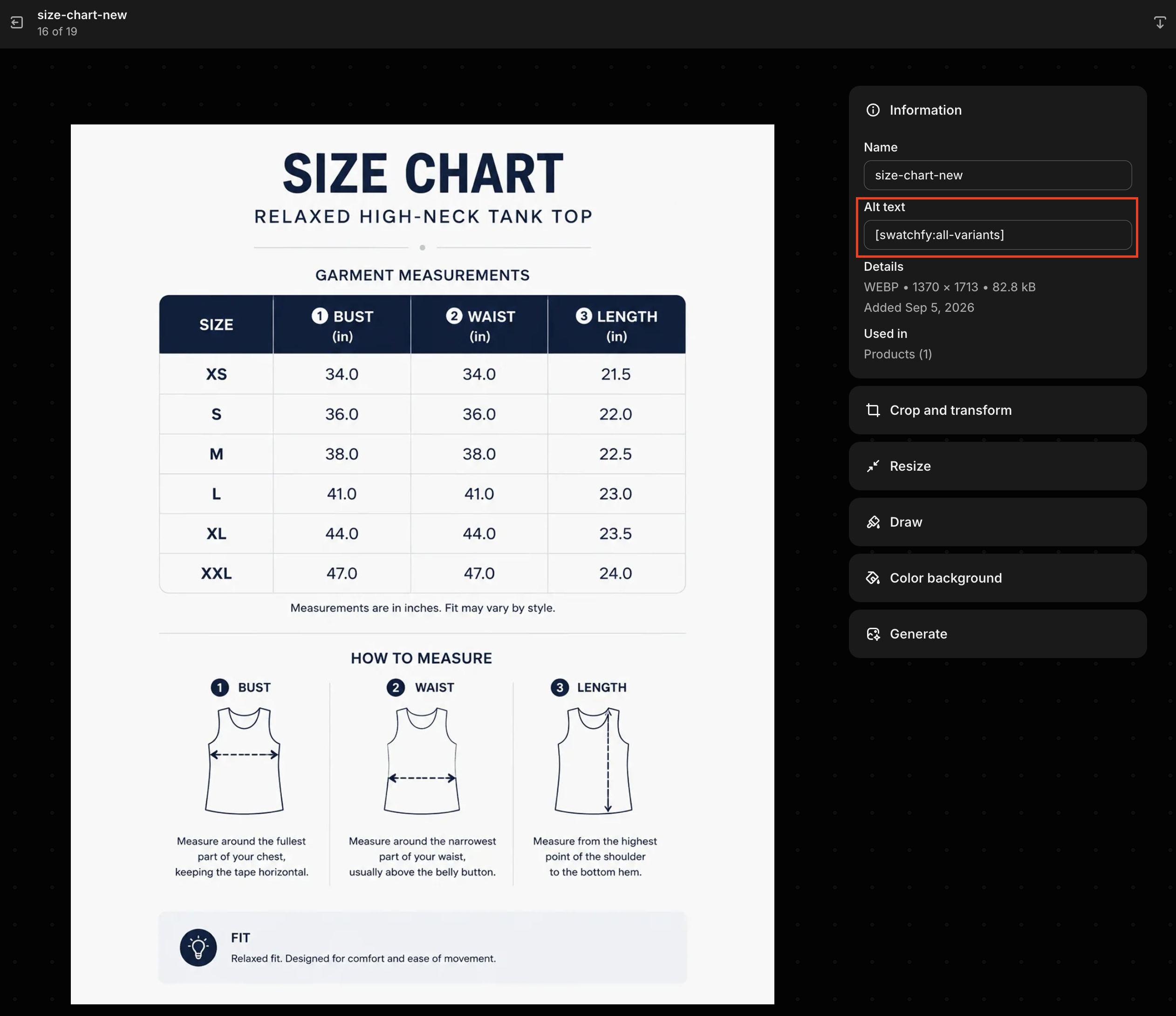
If you want a specific photo — a size chart, a packaging shot, a scale reference — to stay visible for every variant while everything else filters, add [swatchfy:all-variants] to that photo's alt text in Shopify. It then stays visible wherever it sits in the gallery.
If it is still not filtering
Variant images status must be on — Swatchfy → Settings, or the Variant images card on your dashboard.
Going over your plan's configured-product limit switches variant image filtering off store-wide.
If the product is outside your tag scope (Settings → Apply to), nothing is filtered on it.
Still filtering nothing? Send us the product URL and your theme name.