

Product card swatches are found through theme-specific selectors. Swatchfy ships adapters for the card markup of a large number of themes, and a collection grid is the layout every theme builds carefully. Homepage sections are where markup gets bespoke — a featured collection, a custom slider, or a section built with a page builder often produce cards that look identical but are structured differently.
Check these first
The option's Collection page display must not be Do not show. It is set per option, in the Swatches by option table on the Variant swatches page — so an option can be switched on for the product page and off for cards.
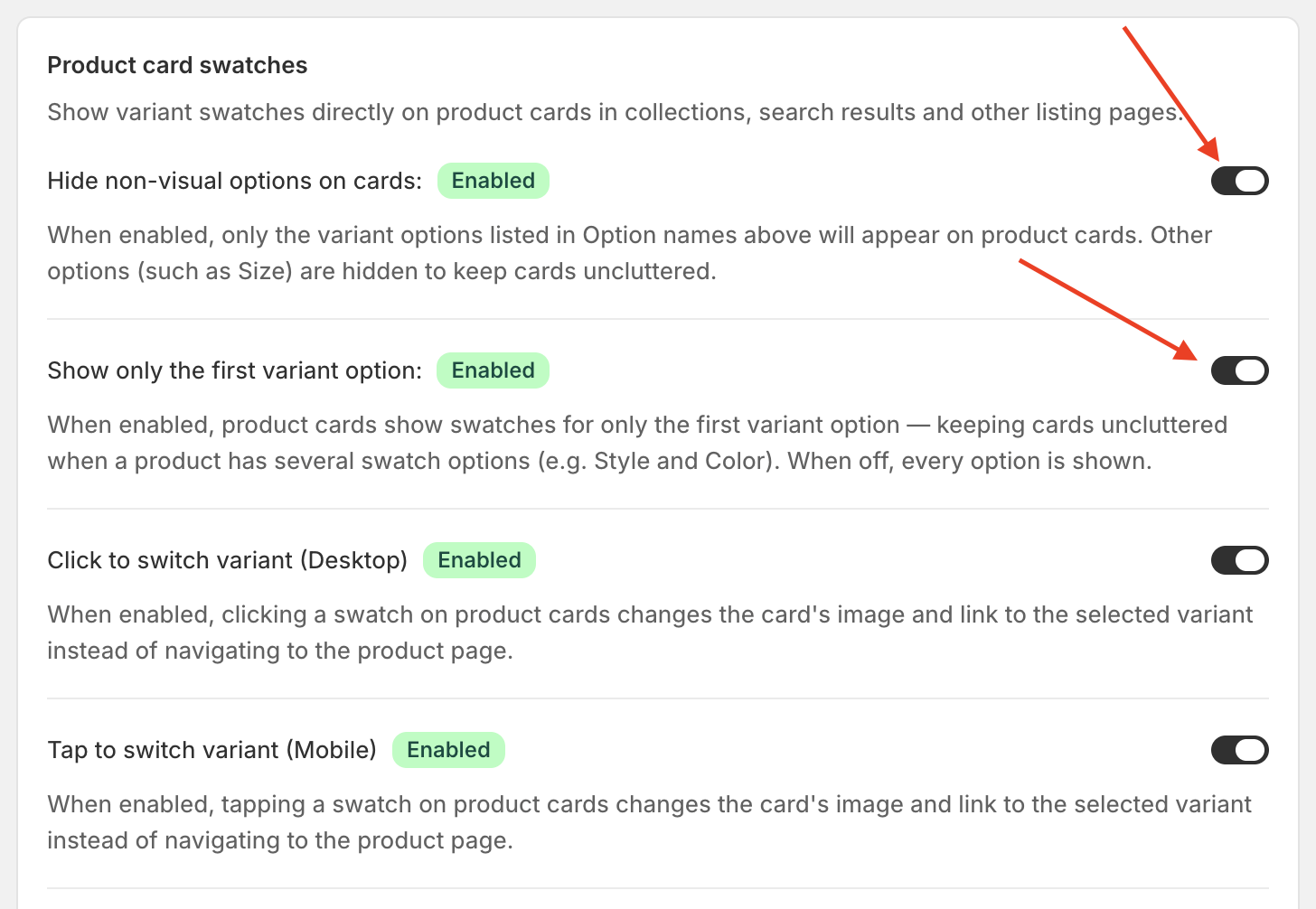
Two settings under Settings → Product card swatches can hide rows that are otherwise working correctly:
Show only the first variant option — a product whose Colour is its second option shows nothing.
Hide non-visual options on cards — keeps text-only options off cards.
If the settings are right and cards are still bare
Then Swatchfy has not recognised that section's card layout yet. Send us the URL of the page where the swatches are missing, plus your theme name.
Worth mentioning in the same message: whether that page was built with a page builder. GemPages, PageFly, EComposer and Foxify each produce their own card markup, and Swatchfy has separate support for each — knowing which one you use usually turns this into a quick fix.