

Give it a minute
Your storefront configuration is cached for 60 seconds. Changes do not appear instantly. Wait a minute, then hard-refresh the page (Ctrl+Shift+R, or Cmd+Shift+R on Mac).
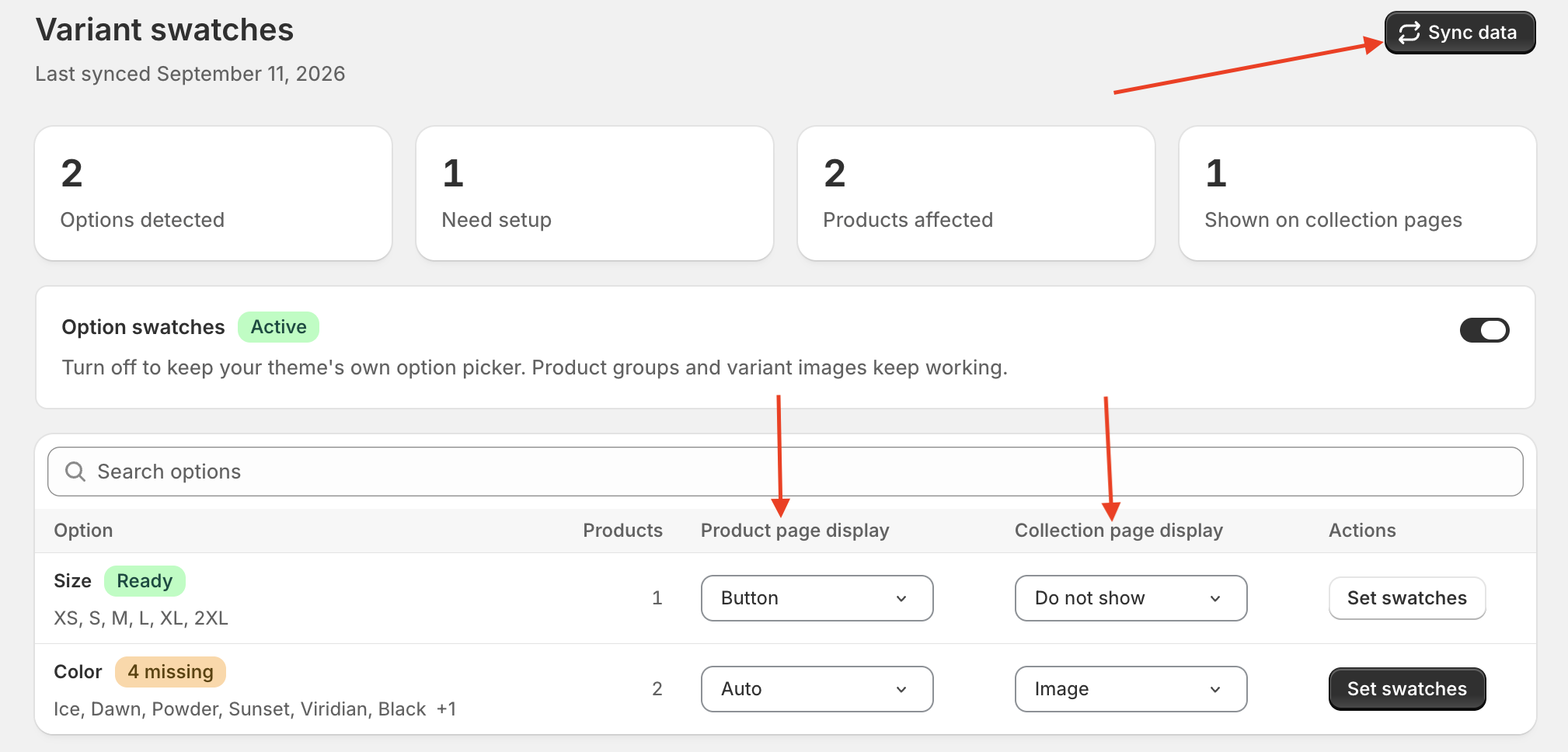
Sync the new option values
Swatchfy works from a stored list of your option names and values. A product that introduces something new — a new option like Material, or a new value like Sage — is not in that list until you sync.
Open Variant swatches and press Sync data. The new option appears in the table, and any new value shows in that option's {n} missing count until you give it a colour or an image.
You do not need to do this for a product that only uses values you already have. A new shirt in a Navy you have already set up gets its swatch straight away.
Check the option's display mode
Once the option is in the table, it still needs a look. Both Product page display and Collection page display can be set to Do not show — check the one matching the page where the swatches are missing.
And the usual suspects
If none of the above applies, work through Why aren't my swatches showing on my store? — the app embed and your theme's variant picker matter just as much for a new product as for an old one.